Electric vehicle chargers are designed to provide safe and reliable charging, but faults can sometimes stop a session from starting or reduce the charging speed.
Some problems can be solved with a few simple checks. Others may be caused by damaged equipment, a poor internet connection, the electrical supply or a fault within the vehicle. Understanding the common signs can help drivers and charger owners respond safely.
Why Are EV Charger Problems Becoming More Important?
The number of electric vehicles and chargers in the United Kingdom continues to rise. At the end of March 2026, there were 2,148,000 licensed zero-emission vehicles. This was an increase of 29.6% compared with March 2025.
As of 1 April 2026, there were 119,080 public electric vehicle chargers across the United Kingdom. Of these, 27,372 were rated at 50 kilowatts or above.
A larger charging network gives drivers more choice, but it also means that charger condition, payment systems, mobile connections and maintenance are increasingly important.
- 2,148,000 zero-emission vehicles were licensed at the end of March 2026
- The number of licensed zero-emission vehicles increased by 29.6% in one year
- 119,080 public electric vehicle chargers were available on 1 April 2026
- 27,372 public chargers were rated at 50 kilowatts or above
- Public rapid charging networks must achieve an average annual reliability level of 99%
Charger problems can affect domestic units, workplace equipment and public charging stations. The correct response will depend on where the charger is installed, who operates it and what type of fault has occurred.
The EV Charger Will Not Start
One of the most common problems is a charging session that will not begin. The cable may be connected, but the charger does not deliver any electricity.
This can happen when the plug has not been pushed fully into the vehicle or charger. Dirt, water, ice or a damaged locking part may also prevent a secure connection.
Some chargers require the driver to confirm the session through a mobile application, access card, contactless bank card or control screen. Charging will not begin when this step has not been completed successfully.
The vehicle may also have a charging schedule that prevents it from accepting electricity at that time. Drivers should check the vehicle settings before assuming that the charger is faulty.
What Should You Check First?
Disconnect the cable, wait a short time and reconnect it firmly. Check the charger screen, indicator lights and vehicle display for an error message.
Confirm that any required payment or access step has been completed. For a home charger, check whether a charging schedule, energy limit or smart charging setting is active.
Do not force a plug into place. Stop using the equipment when the connector appears bent, burnt, cracked or badly damaged.
The Charger Is Working Slowly
A charger may provide less power than the number shown on its label. This does not always mean that the equipment is faulty.
The vehicle controls how much power it accepts. A car with an 11-kilowatt charging limit will not receive 22 kilowatts from a compatible alternating-current charger.
Charging speed can also fall as the battery becomes full. Many vehicles reduce the rate at a high state of charge to protect the battery.
Cold or very hot weather may affect charging speed. The battery management system may limit the power until the battery reaches a suitable temperature.
At a site with several chargers, a managed system may share the available electricity between connected vehicles. Each driver may receive a lower rate during busy periods.
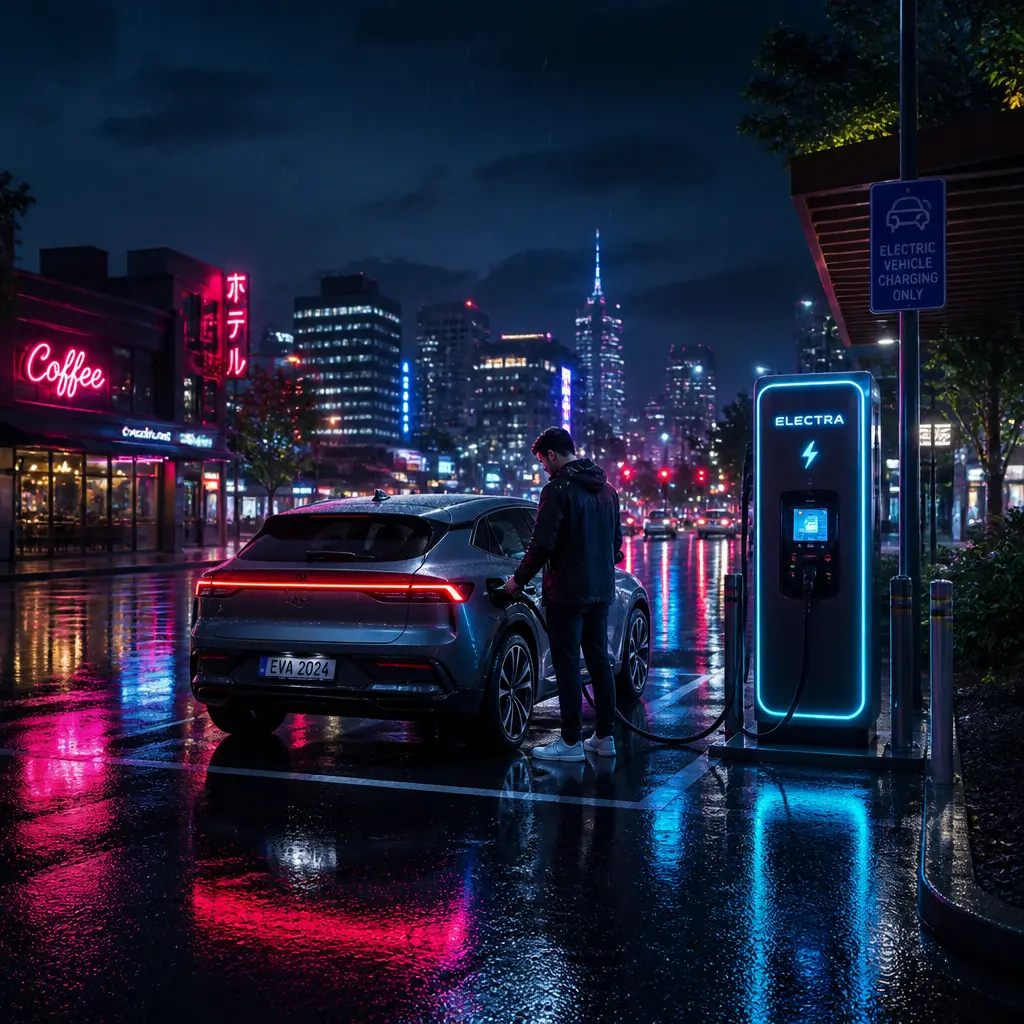
What Can Reduce EV Charging Speed?
- The maximum charging rate accepted by the vehicle
- A battery that is almost full
- Very cold or hot battery temperatures
- Several vehicles sharing the available electrical power
- A loose, damaged or unsuitable charging cable
- A charger that has reduced its output because of a fault
- Limits applied by a mobile application or charging schedule
The Charging Cable Will Not Release
Electric vehicles normally lock the cable in place while charging. This prevents another person from disconnecting it and protects the electrical connection.
The cable may remain locked when the charging session has not ended correctly. The driver may need to stop the session through the charger, mobile application, access card or vehicle controls.
Locking and unlocking the vehicle can sometimes release the cable. Some vehicles also have a manual release inside the boot or near the charging port. The location and correct method should be explained in the vehicle handbook.
Never pull the cable with force. This may damage the plug, charging port or locking system. Contact the charger operator when a public charging cable remains trapped.
The Mobile Application Cannot Connect to the Charger
Many chargers use an internet connection to confirm users, take payments, record electricity use and allow remote control. A poor mobile signal or internet fault can prevent these functions from working.
At home, the charger may have lost its wireless network connection after the router was replaced, restarted or moved. A changed network name or password can also disconnect the unit.
Public charging applications may stop working because of a temporary service problem, an expired payment card or an account error. The charger itself could still be working even when the application is unavailable.
Where available, try contactless payment or another approved access method. Public chargers should display details for a free, staffed support line that is available at all times.
Contactless Payment Is Declined
A contactless payment may fail because of a weak connection, a problem with the payment terminal or a restriction placed by the bank.
The charger may temporarily reserve an amount on the payment card before the session starts. This is normally used to confirm that the card is valid. The final cost should be based on the charging session, although the reserved amount may take time to disappear from the account.
Check that the correct card has been used and follow the instructions shown on the charger. Trying the same payment many times could create several temporary payment holds.
Contact the charger operator when the terminal repeatedly rejects valid cards. Contact the bank when the card is also being declined elsewhere.
The Charger Has No Power
A blank screen and no indicator lights may mean that the charger has lost its electrical supply. At home, this could be caused by a power cut or a protective switch that has operated.
Check whether other electrical equipment at the property is working. The charger may have its own switch in the consumer unit or a separate protective enclosure.
A switch should not be repeatedly reset when it operates again immediately. This could indicate a fault that needs to be inspected by a qualified electrician.
At a public or workplace charger, report the problem to the site owner or charger operator. Drivers should not open the charger cabinet or try to access its internal electrical parts.
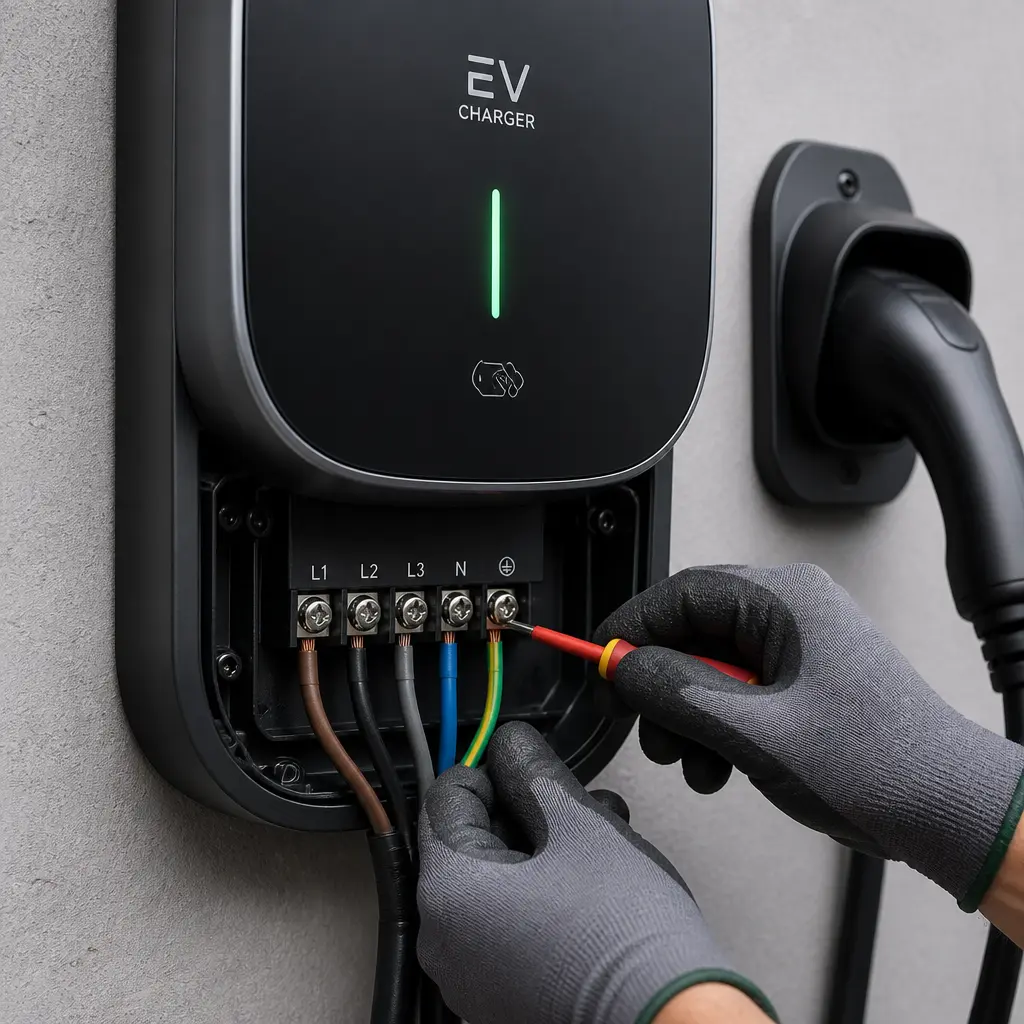
The Protective Switch Keeps Operating
Protective equipment disconnects the electricity supply when it detects a possible electrical problem. It should not be ignored or bypassed.
A switch may operate because of damage to the charger, cable or vehicle. Water entering unsuitable equipment, a loose electrical connection or a fault within the circuit may also be responsible.
Disconnect the vehicle only when it is safe to do so. Do not continue resetting the supply or testing the charger with several vehicles.
A qualified electrician or approved charger technician should inspect repeated electrical faults. Tell them when the problem occurs, which vehicle was connected and whether any error code was displayed.
The Charger Shows an Error Code
An error code can help identify whether the problem involves the cable, vehicle, electrical supply, payment system or internet connection.
Record the exact code before restarting or disconnecting the equipment. A photograph of the screen may help the installer or support team find the correct guidance.
The meaning of a code depends on the charger manufacturer. Do not assume that a code used by one brand has the same meaning on another.
Follow the instructions in the charger handbook or application. Contact the manufacturer, installer or network operator when the code returns after a safe restart.
Smart Charging Does Not Follow the Schedule
Smart charging allows a vehicle to charge at chosen times, such as during a lower-priced electricity period. A session may begin late or fail to begin when the vehicle and charger have different schedules.
It is normally best to control the schedule through either the vehicle or charger, rather than setting separate times on both. Two active schedules can prevent each other from starting the session.
Check the time, date and time zone shown in both systems. Changes between Greenwich Mean Time and British Summer Time can also affect a stored schedule.
Confirm that the required departure time, battery limit and electricity price period have been entered correctly. The charger may also need an internet connection to receive updated smart charging instructions.
The Charger Keeps Disconnecting
A session that repeatedly starts and stops may be caused by a poor connection, damaged cable, power supply problem or communication fault between the vehicle and charger.
Check that the connector is secure and that the cable is not being pulled or placed under strain. Look for visible damage without touching exposed or burnt parts.
Where possible, test the vehicle at another suitable charger. This can help show whether the fault follows the vehicle or remains with the original charging unit.
A home charger that disconnects regularly should be inspected, particularly when the unit becomes unusually hot, makes unexpected noises or causes protective equipment to operate.
The Charger or Cable Becomes Hot
Charging equipment may feel slightly warm during use, especially when supplying a vehicle for several hours. However, it should not become painfully hot, smell burnt or show signs of melting.
Stop the session when there is excessive heat, smoke, discolouration, a burning smell or damage around the connector. Move away from the equipment and contact the emergency services when there is a fire or immediate danger.
Do not cool electrical equipment with water. The charger should remain out of use until it has been checked by a suitable professional.
Overheating can be caused by a damaged connector, loose connection, poor-quality extension equipment or an electrical fault. Electric vehicles should not be charged through ordinary extension leads unless the vehicle and equipment manufacturers clearly allow it.
Water, Dirt or Ice Is Affecting the Connector
Outdoor chargers are designed for normal weather conditions, but damaged seals or open covers can allow dirt and water to affect the connection.
Keep the connector off the ground and return it to its holder after use. Do not connect equipment when the plug or vehicle port contains standing water, packed snow, ice or foreign material.
Do not place metal objects or cleaning tools inside the connector. Follow the manufacturer’s cleaning instructions and make sure the electricity supply is safely isolated when required.
A cracked cover, broken seal or badly corroded connection should be inspected and replaced.
The Public Charger Is Blocked or Already in Use
A working charger may still be unavailable when another vehicle occupies the space. This can include an electric vehicle that has finished charging or a petrol or diesel vehicle parked in the bay.
Charging applications may show whether a connector is available, but the status may not always update immediately. Drivers should have an alternative charging location planned, especially before a long journey.
Do not park in a way that blocks traffic, walkways or another charging bay. Report repeated misuse to the car park operator rather than confronting another driver.
Site owners can reduce this problem through clear signs, marked bays, parking limits and charges for remaining connected after a session has ended.
Common Public Charging Problems
A 2025 charging survey reported that 40% of drivers had experienced a problem with an en-route or destination charger during the year.
Among drivers who had experienced a problem, a charger not working was the most widely reported issue. Other concerns included too few chargers for demand, blocked spaces, unavailable payment methods, poor connectivity and charging power below the advertised level.
Public charging rules are intended to improve this experience. Rapid charging networks must achieve an average reliability level of 99% across the calendar year. Operators must also provide a free, staffed support line that is available at all times.
What Information Should You Record?
Clear information can help a technician or charger operator investigate a fault more quickly. Record:
- The charger location and identification number
- The date and time of the problem
- The exact error message or code
- The type of connector being used
- Whether payment was taken or reserved
- The charging rate shown by the vehicle and charger
- Any unusual heat, smell, noise or visible damage
- The steps already taken to solve the problem
A photograph can be useful, but do not put yourself at risk to take one.
When Should You Stop Using an EV Charger?
Stop using the charger when there is smoke, a burning smell, excessive heat, exposed wiring, a cracked connector or signs that a vehicle has struck the unit.
The charger should also remain out of use when protective switches repeatedly operate, water has entered damaged equipment or the cable has been crushed or cut.
Keep other people away from damaged equipment where possible. Report a public charger through the operator’s support service and tell the site owner when the equipment creates an immediate risk.
Domestic and workplace chargers should be isolated only when this can be done safely. A qualified electrician or suitable charger technician should investigate the fault.
How Can Charger Problems Be Prevented?
Regular checks and suitable maintenance can reduce the chance of a charger failing. Cables should be stored correctly and inspected for cuts, crushing, worn insulation and damaged connectors.
The area around the charger should remain clean, well lit and free from objects that could damage the equipment. Protective posts may be needed where vehicles could strike the charger.
Connected chargers may need software updates and a reliable internet connection. Charger owners should keep support details, warranty information and installation records in a safe place.
A commercial site should also have a clear process for reporting faults, placing equipment out of service and arranging repairs. Remote monitoring can help an operator identify some problems before a driver reports them.
Frequently Asked Questions
```Why Is My EV Plugged In but Not Charging?
The connector may not be fully inserted, the session may not have been approved or a charging schedule may be active. The charger, cable or vehicle could also have detected a fault.
Can I Restart an EV Charger?
Some chargers can be safely restarted through their controls or mobile application. Follow the manufacturer’s instructions. Do not open the charger or repeatedly reset electrical protection.
Why Is My EV Charging More Slowly Than Expected?
The vehicle may not accept the charger’s full power. Charging can also slow when the battery is almost full, the temperature is unsuitable or several chargers are sharing the available electrical supply.
Who Should I Contact About a Faulty Public Charger?
Use the support details displayed on the charger or within the charging application. Public charger operators must provide a free, staffed support line that is available at all times.
Who Repairs a Home EV Charger?
Contact the original installer, charger manufacturer or another suitably qualified installer. Electrical supply faults may need to be investigated by a qualified electrician.
Is It Safe to Use a Damaged Charging Cable?
No. A cable with cuts, exposed parts, a cracked connector, burn marks or serious crushing should not be used. Keep it disconnected and arrange a suitable inspection or replacement.
How Should Common EV Charger Problems Be Handled?
Begin with safe, simple checks. Make sure the connector is secure, the charging session has been approved and the vehicle does not have a schedule preventing it from charging.
Read any error message and record the charger identification number. At a public charger, contact the network operator when payment, access or equipment problems cannot be resolved.
Do not continue using equipment that is damaged, overheating or repeatedly disconnecting the electricity supply. These signs require professional attention.
Regular maintenance, careful cable storage and prompt repairs can improve reliability and extend the useful life of a charger. A professional inspection can identify whether a fault is within the charger, its electrical circuit, the cable or the connected vehicle.
Is your electric vehicle charger failing to start, disconnecting or showing an error? Wigan Electrical Solutions can inspect domestic and commercial charging equipment, identify electrical faults and recommend a safe repair or replacement. Contact the team for support with EV charger installation in Wigan, Manchester, Liverpool and Bolton.